Introduction to AI Guidelines: Prohibited, Assistive, and Expected Uses (For Teachers Only)
This briefing session is targeted at our faculty staff and introduces the approved “Guidelines on the Use of Artificial Intelligence in Teaching, Learning, Assessment and Feedback”. The three categories of AI use and the responsibilities of teachers and students will be covered. Through practical performing arts scenarios and discussion, participants will explore academic integrity, human authorship, and student declaration workflows.
Date: 10 Sep 2026 (Thu)
Time: 1:00pm - 2:00pm
Venue: Library Seminar Room A & B
Language: Cantonese
Facilitator: Dr. Michael Li, Principal Head (Digital Learning & Information Management); Mr. Jason Mak, Senior Educational Designer
Introduction to Canvas (For Teachers Only)
This workshop introduces you to Canvas, the Academy’s Learning Management System (LMS). This is a hands-on workshop that guides you through some basic features of Canvas. It is designed for teachers to using Canvas and covers the following topics:
Workshop Topics:
- Adjusting course settings and managing participants
- Creating pages, adding content, and making announcements
- Setting up assignments and grading efficiently on Canvas
- Utilizing the Gradebook effectively
Date: 17 Sep 2026 (Thu)
Time: 1:00pm - 2:00pm
Venue: Library Seminar Room A & B
Language: English/Cantonese
Facilitator: Mr. Carton Kam, Senior Project Officer
Photo edit on Meitu: Turning Everyday Snaps Into Portrait Gold
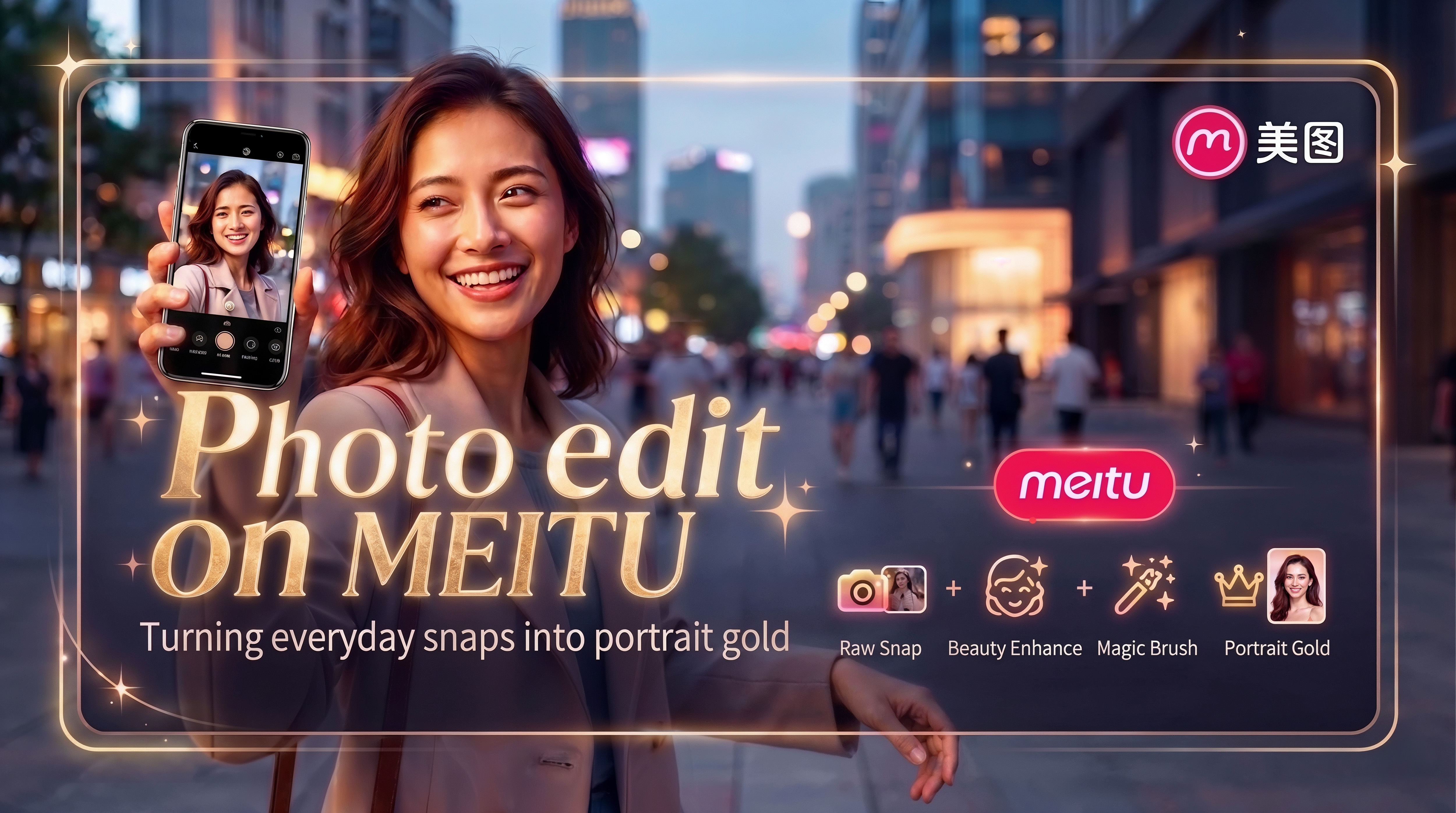
Meitu is a leading all-in-one photo and video editing platform powered by artificial intelligence. It offers an intuitive suite of creative tools designed to enhance portraits, apply artistic effects, and transform everyday media into high-quality visuals.
Key Features
- Skin Retouching: Smooth textures, eliminate blemishes, and even out skin tones effortlessly.
- Facial Sculpting: Fine-tune facial contours, adjust eye proportions, and refine individual features.
- Body Reshaping: Naturally adjust height, posture, and body proportions.
- Filters & Artistic Effects: Enhance lighting, apply virtual makeup styles, and add dynamic creative presets.
- Smart Background Tools: Seamlessly blur backgrounds, replace backdrops, or erase unwanted objects.
Date: 24 Sep 2026 (Thu)
Time: 1:00pm - 2:00pm
Venue: Library Seminar Room A & B
Language: Cantonese
Facilitator: Mr. Jeffery Fung, Digital Multimedia Officer
